20 Mayıs 2020 Çarşamba

Quizlet

Hello everyone! How are you today? I hope all of you doing well :) Today we are going to take a look at the application-website that called Quizlet!

You can create cards for any learning topic. So, it is very useful for all fields. Especially for the foreign language learning :) I remember that one of my friend in high school create his own Quizlet cards and he worked with them for our vocabulary exams. Let's examine the app in detail!


I signed up as a teacher. 


This is the main menu of Quizlet. It is very beneficial since we use flash cards very often in foreign language teaching. So thanks to Quizlet we can create them easily :)


When i clicked 'browse images' this screen has came. As we can see there are also ready to use cards.


I tried to create my own cards. You need to add a title and description. And at the below, you will see the term and definition. Term is front side of the card, definition is the back side. Also, you can add images from Quizlet's data or your own data.


This is my cards.


Front side of the card.


Back side of the card.


There are also a few modes for to consolidate the new informations :)


Let's try to 'learn' mode.


It is kind of test. But by using it we enhance our learning experience :)

19 Mayıs 2020 Salı

VOKI and Flipgrid

Hello guys! I hope all of you doing well. Today we are going to take a look at the VOKI and Flipgrid. I want to start with VOKI as a first. If you remember my vidcast experience, i used VOKI. But i did not write a review about it in a detailed way. But now, i am going to write :)

VOKI is an website where you can create on your own animations. You can use this in your clasroom with your students :) It will enhance the persistence of new information :) I did an example for it, you can look at it at the end of the VOKI part.


This is the main menu of VOKI. I have already an account but its free trial just has end. So, i just sign up again via another e-mail. 


If you want to create a VOKI, there are lots of combinations. You can choose character, accessories, backgrounds, color settings. You can combine them according to your preferences :) There are also famous people like Shakespeare.


You can add your voice via recording it or uploading. Or you just enter the text and it will read it for you :) But unfortunately there is a limitation in the record. VOKI is limited up to 60 seconds. Because of that reason i just split my VOKI into two parts :) Here it is the links:


Now it is time to talk about Flipgrid; 
Just like the VOKI application, Flipgrid also enhance the learning. In Frlipgrid, teachers can start a discussion on a topic and students start to discuss about it via shooting videos:) It is very efficient in terms of the practicing the language in language classes. They both interact with their teacher and their friends. So, this led to learning occurs in a social environment. 


I took these screenshots from Flipgrid's own website :) As you can see there is code system again :) like the Edmodo and Storybird. 


18 Mayıs 2020 Pazartesi

Storybird

Hello everyone :) I hope you are doing well. Today i creat a story via Storybird. I created it from its website but on their website i saw that they have also their application both for IOS and Android. 
You can create multicolored stories for your pupils via Storybird, or they can create! 
Let's take a look at the process!


This is the main menu of Storybird. I sign up as a student/individual account. There was a seven days trial. So, after it finished, if you still want to use, you have to pay for it.


After i signed up this menu appeared. As you can see above, there is classess, print, and tools. I cliked the classess. I will also talk about the parts that is under that them, just wait :) 


It reminds me Edmodo. Just like it, in Storybird you can join a class via a code. Actually this is good. I will use with my students.


Also, there is a kind of award system. This can encourage the students, or teachers :)


As you can see there is also a challenge section. You can reach to many content :) They are very detailed and interesting in terms of the visuals.


So, you can write picture books, longform stories, comics, flash fictions, poetry! You can also see the ones that already written and published :) You can add your bookshelf. I added one!


I wanted to create a picture book. Before you create it, you have to choose a picture. Then it comes as a pack, and you can choose whatever you want.


I chose one. As i said before there is a pack. I select a few pictures from there.


Then i created my own story. After i save it, i added the details. 


Details include; language, summary, tags, categories etc. Some of them are required while some of them are optional.


If you want to share your story there is two options. One of them is digital way and the other one is the printable pdf! As can be seen, you can make it a real book! If you make it with your students, imagine that how they can be happy and proud.

I took it as a pdf. But i will share the screen shots  with you :)


 I used simple past tense so my students will see and understand and practice :)

16 Mayıs 2020 Cumartesi

My Gistory

Hello everyone! it has been a long time since i share a post. Very very long time... But i came back here! I miss sharing posts. And today's topic is Gistory but my experience !

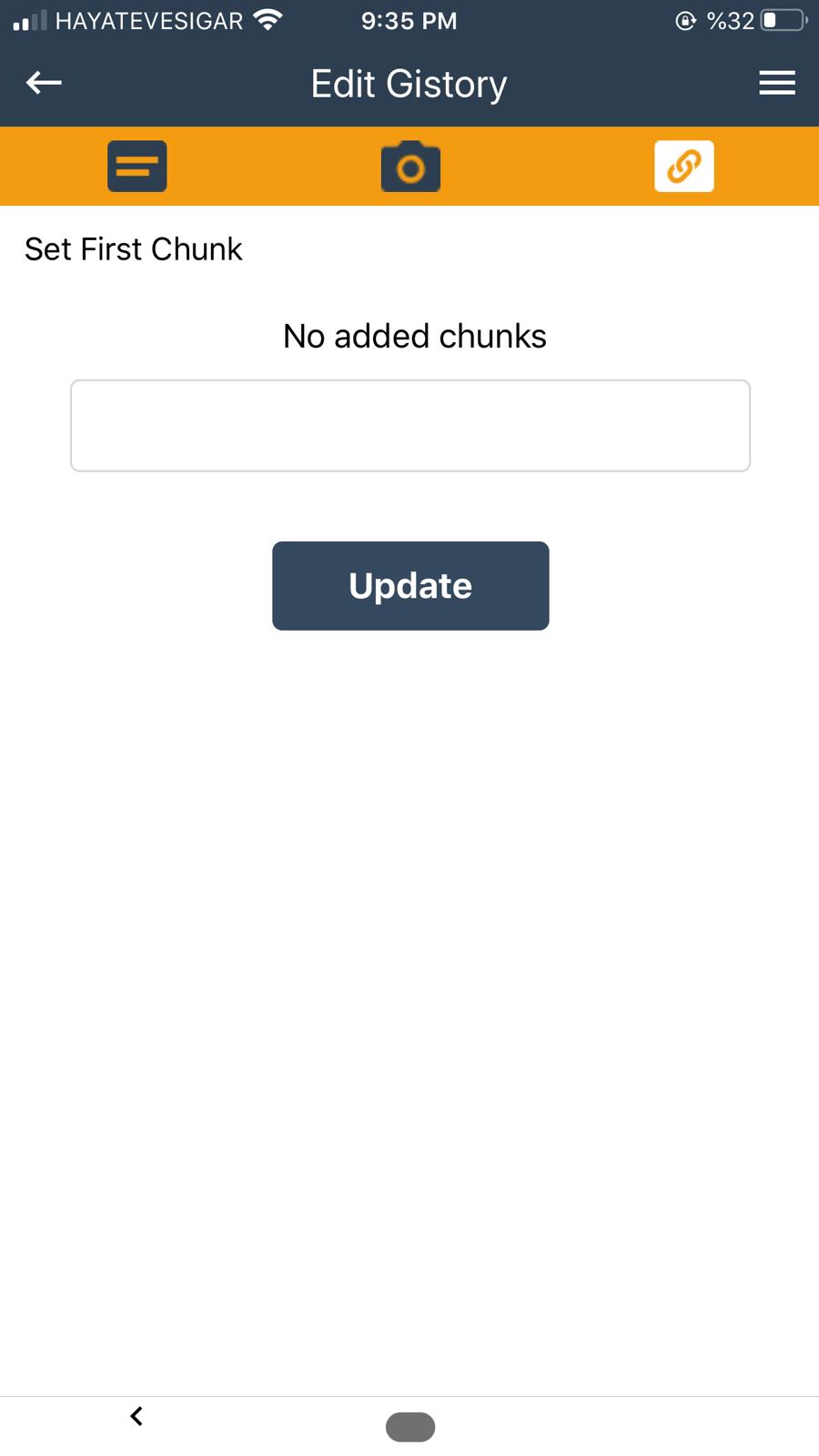
Before that time it gives a mistake about chunks if you looked at my privious post about Gistory. Today i tried to create a Gistory again, and it happened! I could make it. However, i still gives it, or i could not understand that part.
I will share my experience: 


In this part, you should add your title and your text. As you can see i added mine. In text part, there is a limitation. The charachter is limited to 256 if i am not wrong. First i wrote my story. I will add it at the end of this post :) After i filled the blanks, i moved to the other stage. 


In this part, we add our cover image for our Gistory. I draw it.


In this part you can edit your Gistory by adding Chunks.


Here it is :)


As you can see creating a Gistory is not that hard unlike, it is very enjoyable. 

I said i will add my story, here it is :)
Once upon a time, a little fish was living in the Marmara Sea. The fish's name was Ish. He always wanted to see the city where Asia and Europe exchange their hellos, İstanbul. One day he planned an escape plan. He dealt with the Tank the lobster who is very good at throwing something about his launching from the sea. The day of travel has come and Tank threw Ish. Ish was so happy that he could cry but, unfortunately, a seagull got him just as he was happy.


14 Nisan 2020 Salı

Edmodo

Hello everyone! How are you doing? I hope all of you doing well.

Today's content is about Edmodo Review! Maybe you heard it from your teacher, or friends. Or you just saw from app store.

Thanks to Edmodo, you can reach all of your student with one click! You can share files, videos, assignments, tasks, links, online exams, in a nutshell every material can be shared.


This screen shot is my current Edmodo profile. Since I am a student, I do not have teacher account. As you can see at the left side there are my classes and my groups, at the right side upcoming assignments can be seen. It reminds me to do my assignments (: This is so handful. And there are lots of things, so on and so forth.


A screen shot from my current classes. In order to join this classes you have to codes. Your teacher gives you the codes. 
                                                  Of course there are lots of games for your students (: 

                                                                     You can share any post via this tool.

This is the upcoming section. You can see yor upcoming assignments. These are my current assignments. I cover the contens for privacy. But in there, assignment's content written.

                                                         You can also message with your students/teachers. 
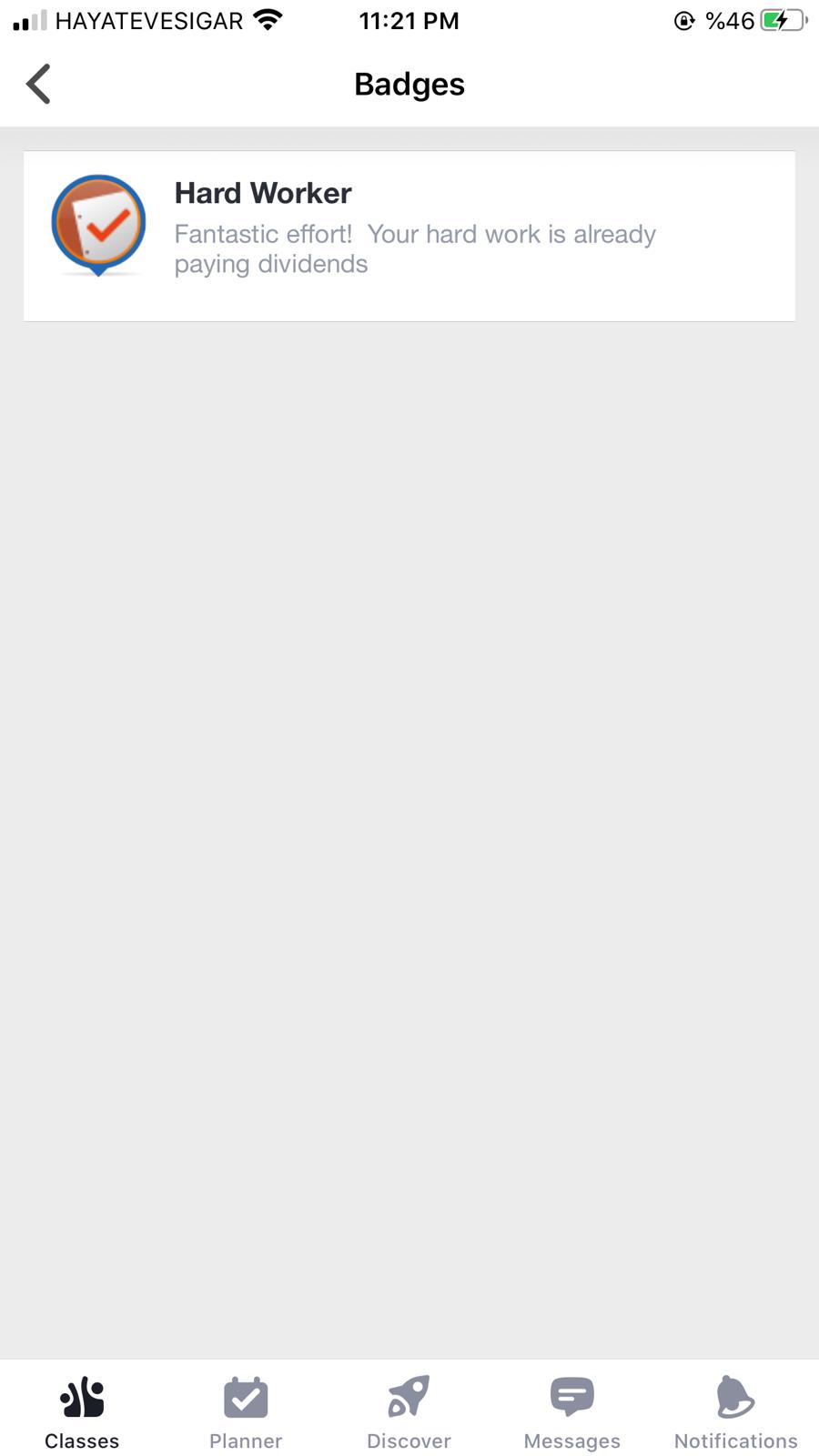
And my favorite feature of Edmodo is badging! When i was in 1st grade at Mugla Sitki Kocman University, one of my teacher gave me this badget. As we know, using reinforcement may be enhance the motivation. And that was motivatator for me actually (:

In a nutshell, Edmodo an application -and also a website- where you and your students come together in a onlince class/group. Benefit from its fruits :)

13 Nisan 2020 Pazartesi

Seesaw

Hello everybody! I hope all of you okay C:

Today's content is about Seesaw! It is an application and website that you can create your online class. When i say online class, i mean your real class now is on the live! Via Seesaw you can assign them activites, post works or you can make announcement. You can share a lot of things with your student.


I signed up as a teacher (:


This is my main menu. At the left side you can see my assigned activity. At the right side you can see my class.


As you can see there are lots of things. In journal section there is class journal. You can add things to your journal folder. Via inbox you can contact with your students. This is so useful. And the skills section is about your student's skills. Their progress. You can get more detail (:


There is an activity library. You can get some ideas from there. It advise you activites that coherent with levels of your students. Or you just can create your own activity.


It is a ready to use activity.


This is my own activity. I will share the links with you :)

Last but not least, it is so useful. You can reach your all students with just one tool and one click. We have to keep up with the age! Take a look at it, i do advise you to do. 

My own activity link: Seesaw